麒麟服务器V10【9090端口被占用处理】
-
Cockpit介绍
Cockpit是一款强大的Linux图形化监控工具,麒麟服务器操作系统默认安装,端口号是
9090,界面如下: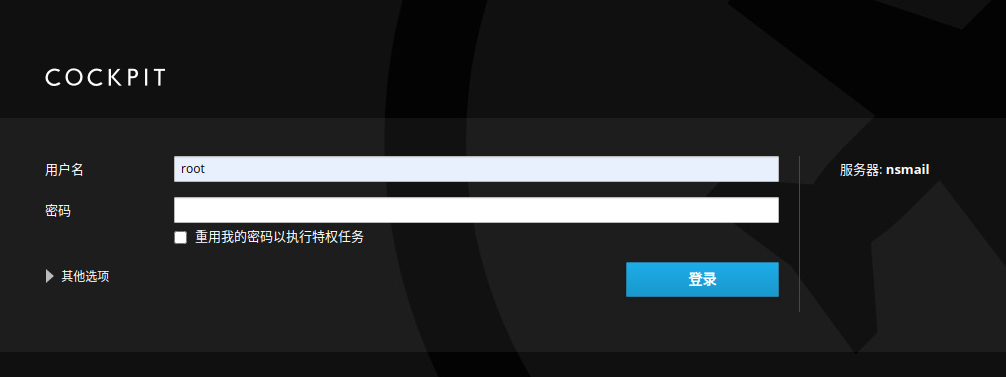
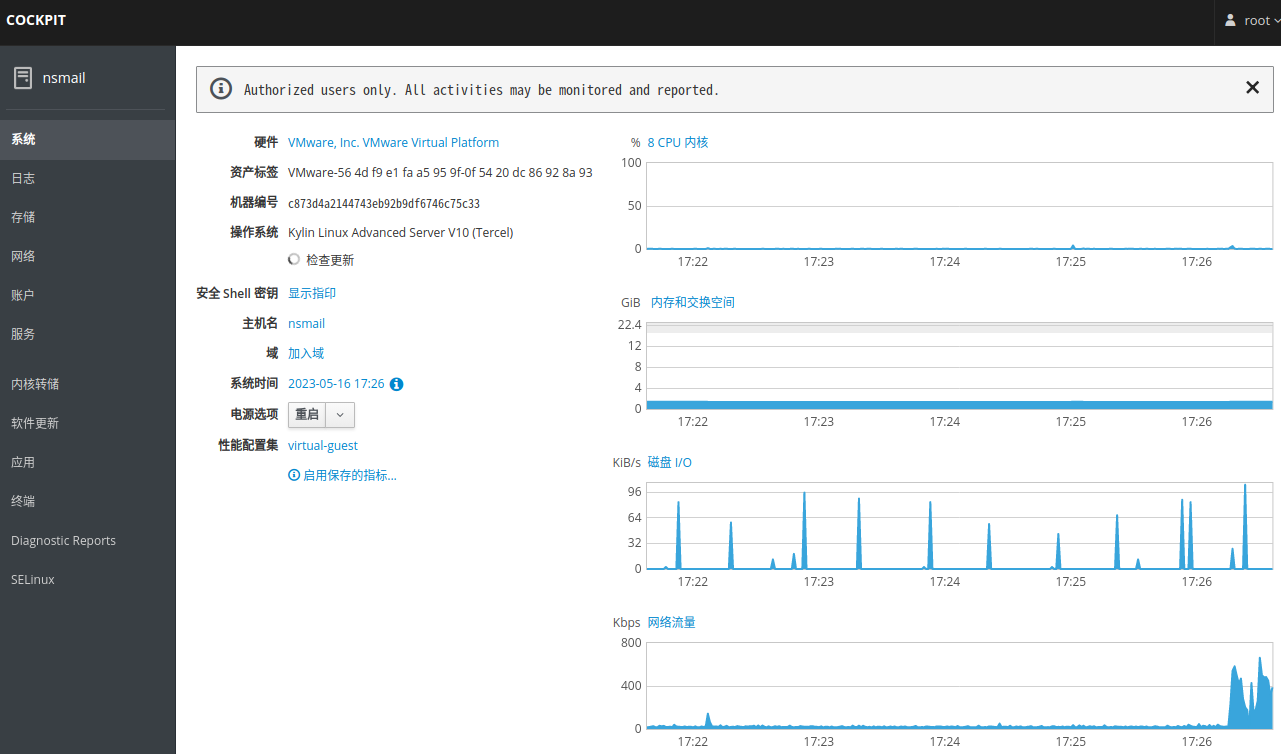
-
如何关闭Cockpit
1、先在终端执行
netstat -anp | grep 9090,查看是哪个进程占用了
2、默认是cockpit占用了9090端口,可考虑将该程序停止并禁用掉,操作命令如下:systemctl stop cockpit.socket systemctl disable cockpit.socket -
如何修改Cockpit的默认端口为9999
1、新建目录:
mkdir /etc/systemd/system/cockpit.socket.d/
2、添加配置文件:vim /etc/systemd/system/cockpit.socket.d/listen.conf,输入以下内容:[Socket] ListenStream= ListenStream=9999- 第一个ListenStream为空,是取消默认9090端口的监听
- 第二个ListenStream设置新的监听端口,此处为9999,可根据自己需要自行修改。
3、重启进程,操作命令如下:
systemctl daemon-reload systemctl restart cockpit.socket -
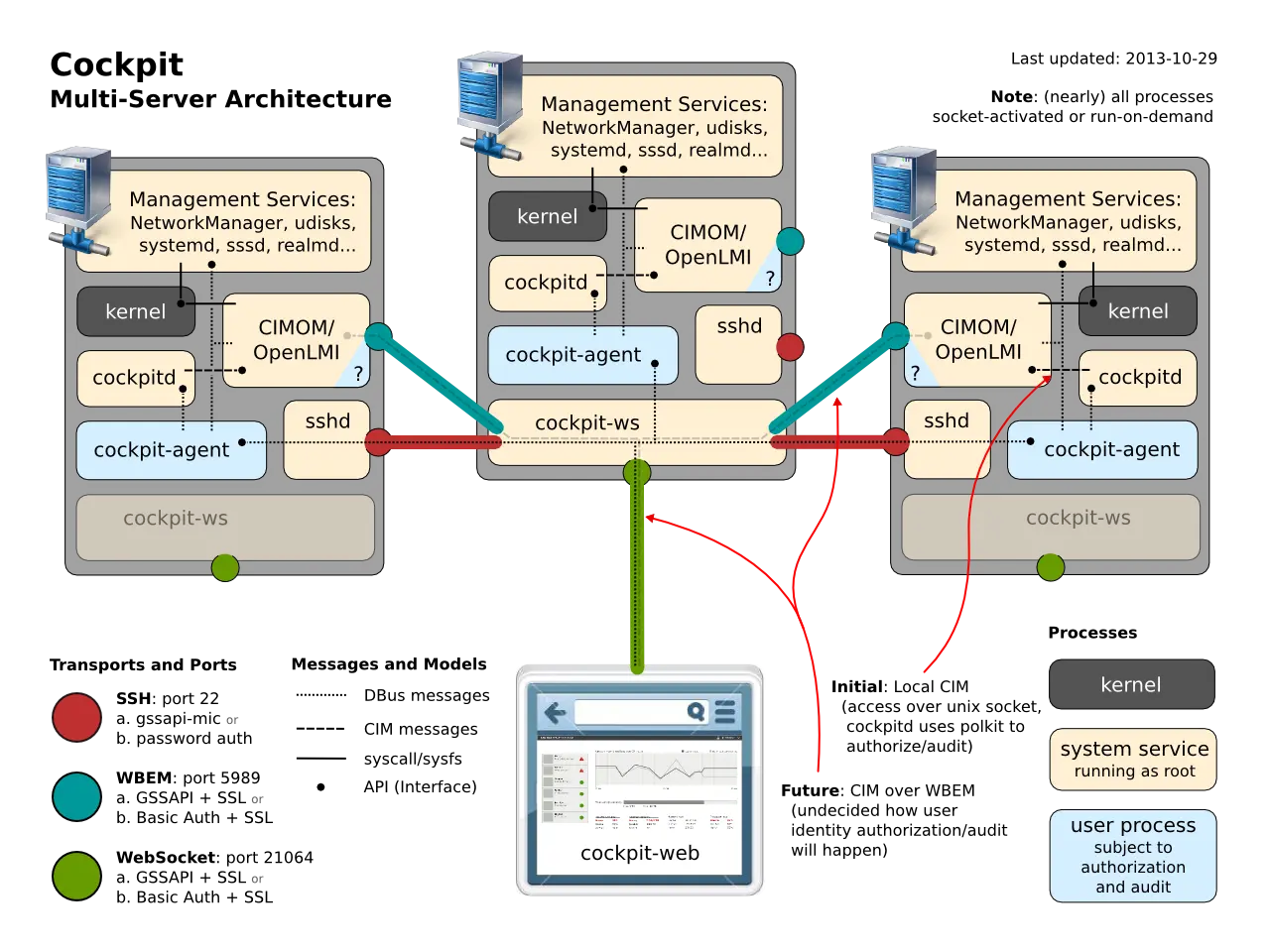
Cockpit原理图
You are so cool! I do not think I have read through something like this
before. So good to find another person with some
genuine thoughts on this subject matter. Really.. thank
you for starting this up. This site is something that’s needed on the web, someone with some originality!
感谢你喜欢,只是记录遇到过的问题。如果你有遇到其他一些还没有解决的问题,也可以在这里提出,我们一起想办法。